
우리 강아지·고양이 먼작귀 폰 배경화면 프롬프트
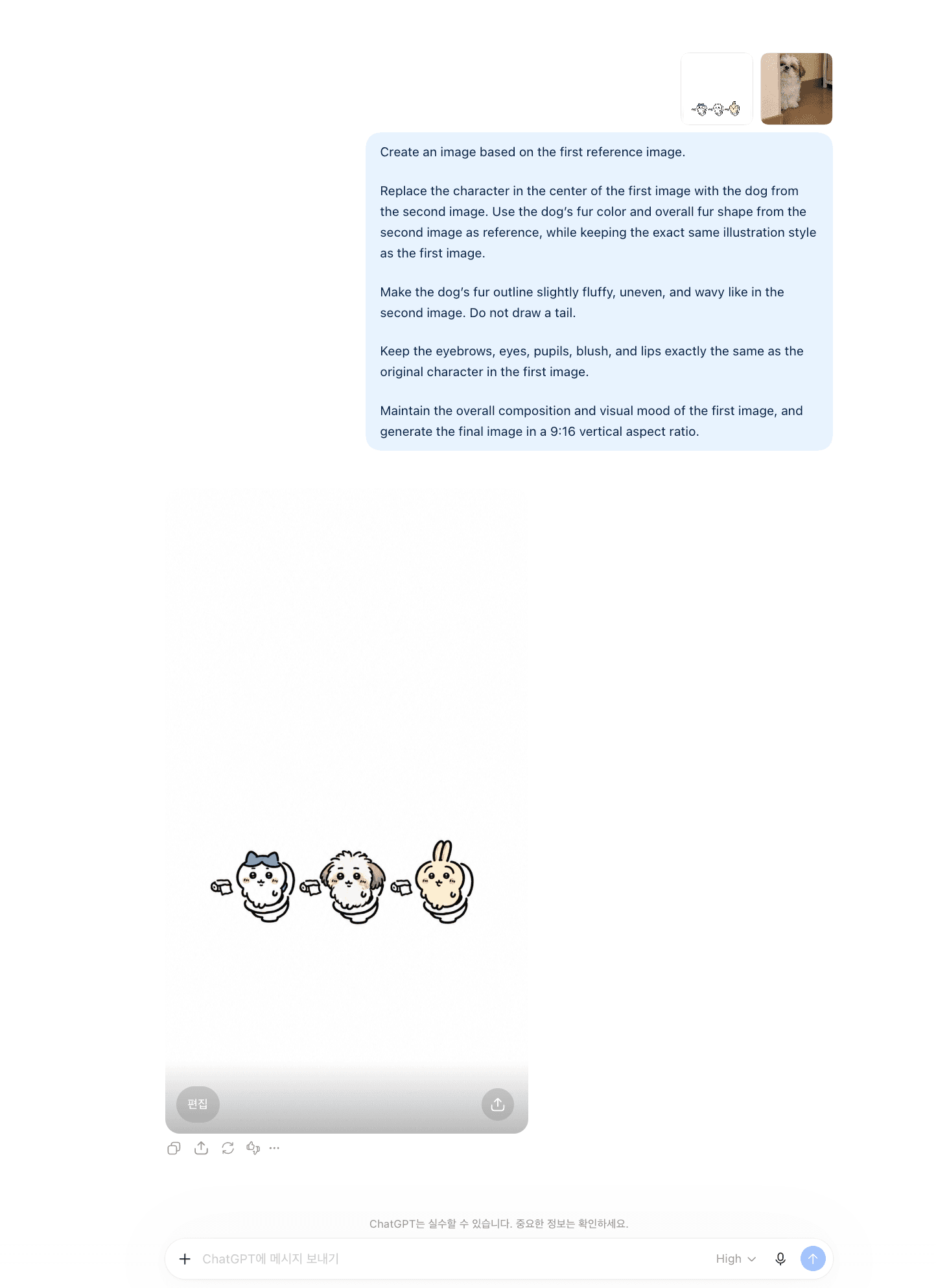
사진 두 장이면 끝나요. 아래 그림을 저장하고, 우리 강아지나 고양이 사진과 함께 올린 다음 프롬프트를 붙여넣으세요. 9:16 세로라 그대로 폰 배경화면이 됩니다.
① 그림 저장하기
아래 그림을 길게 눌러 저장하세요. 이게 프롬프트에 올릴 첫 번째 사진이에요.
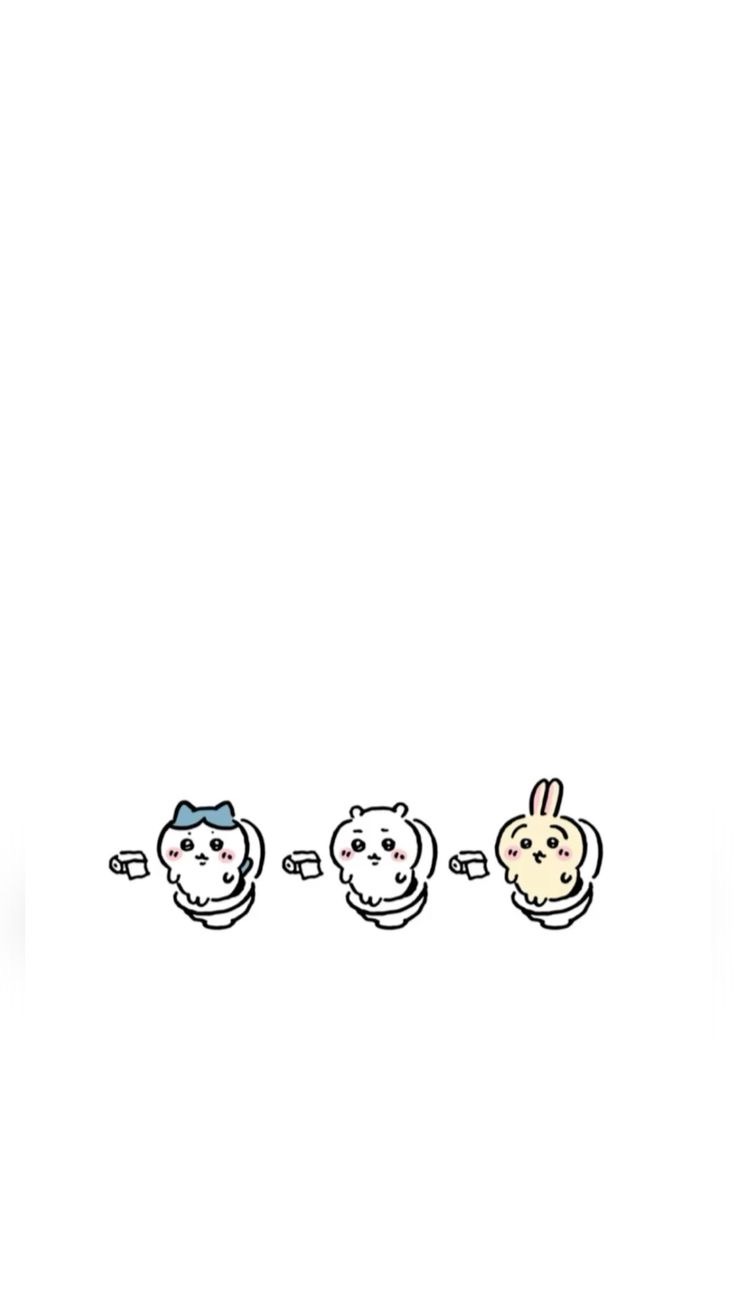
먼작귀 그림은 개인 배경화면 용도로만 써 주세요.
② 이렇게 쓰세요
- ChatGPT를 엽니다.
- 저장한 그림을 먼저 올리고, 우리 강아지나 고양이 사진을 그다음에 올립니다. 순서가 바뀌면 엉뚱한 결과가 나와요.
- 아래 프롬프트를 복사해 그대로 붙여넣고 보냅니다.
(얼굴이 또렷하게 나온 사진일수록 잘 나와요.)
③ 프롬프트
Create an image based on the first reference image. Replace the character in the center of the first image with the dog from the second image. Use the dog's fur color and overall fur shape from the second image as reference, while keeping the exact same illustration style as the first image. Make the dog's fur outline slightly fluffy, uneven, and wavy like in the second image. Do not draw a tail. Keep the eyebrows, eyes, pupils, blush, and lips exactly the same as the original character in the first image. Maintain the overall composition and visual mood of the first image, and generate the final image in a 9:16 vertical aspect ratio.
Create an image based on the first reference image. Replace the character in the center of the first image with the cat from the second image. Use the cat's fur color and overall fur shape from the second image as reference, while keeping the exact same illustration style as the first image. Make the cat's fur outline slightly fluffy, uneven, and wavy like in the second image. Do not draw a tail. Keep the eyebrows, eyes, pupils, blush, and lips exactly the same as the original character in the first image. Maintain the overall composition and visual mood of the first image, and generate the final image in a 9:16 vertical aspect ratio.
 강아지한테 사주 보러가기