
우리 강아지 얼굴을 송편에 넣는 프롬프트
사진 두 장이면 끝나요. 아래 송편 사진 중 하나를 저장하고, 우리 강아지 사진과 함께 올린 다음 프롬프트를 붙여넣으세요.
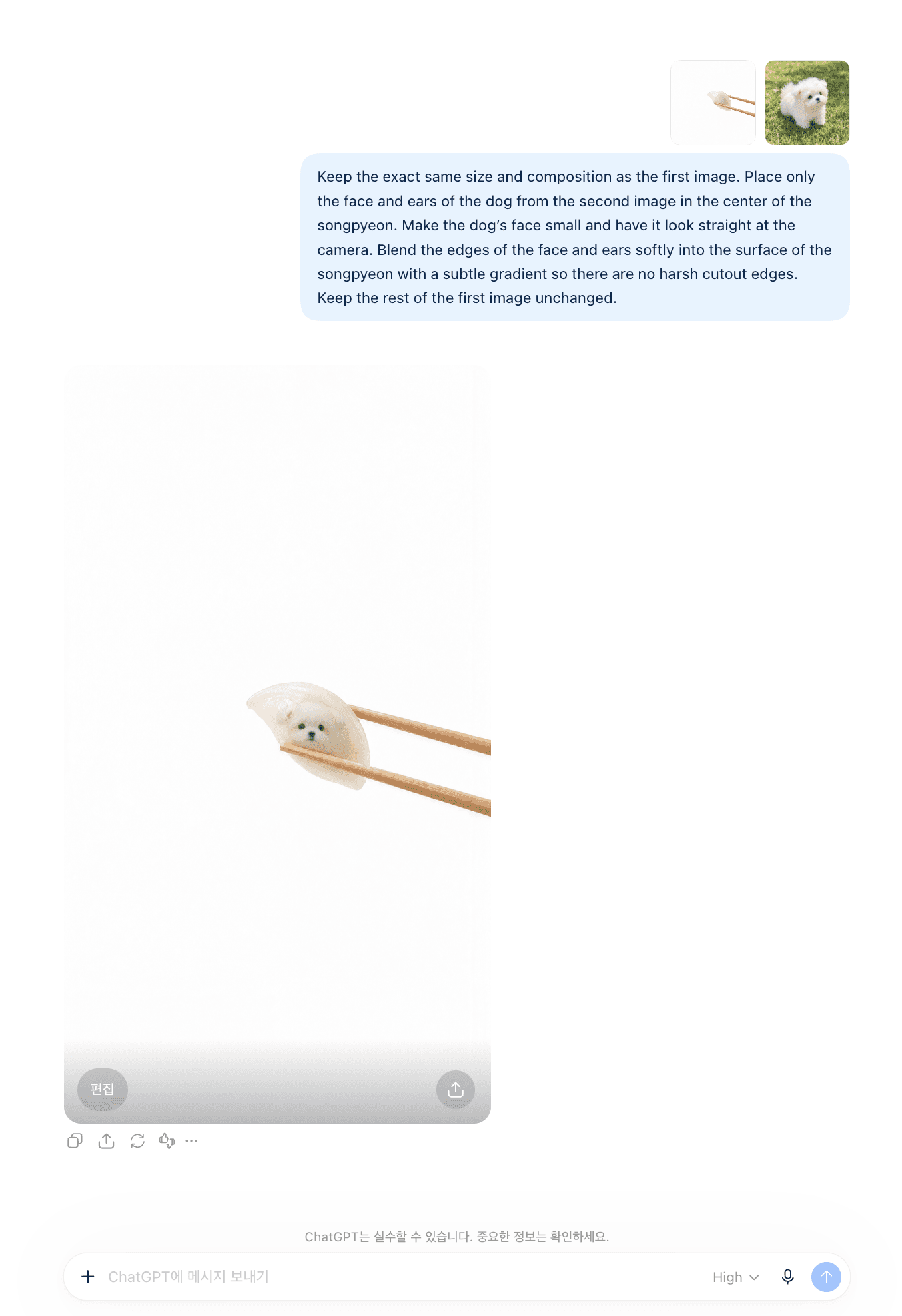
① 송편 사진 고르기
마음에 드는 색을 길게 눌러 저장하세요. 이게 프롬프트에 올릴 첫 번째 사진이에요.
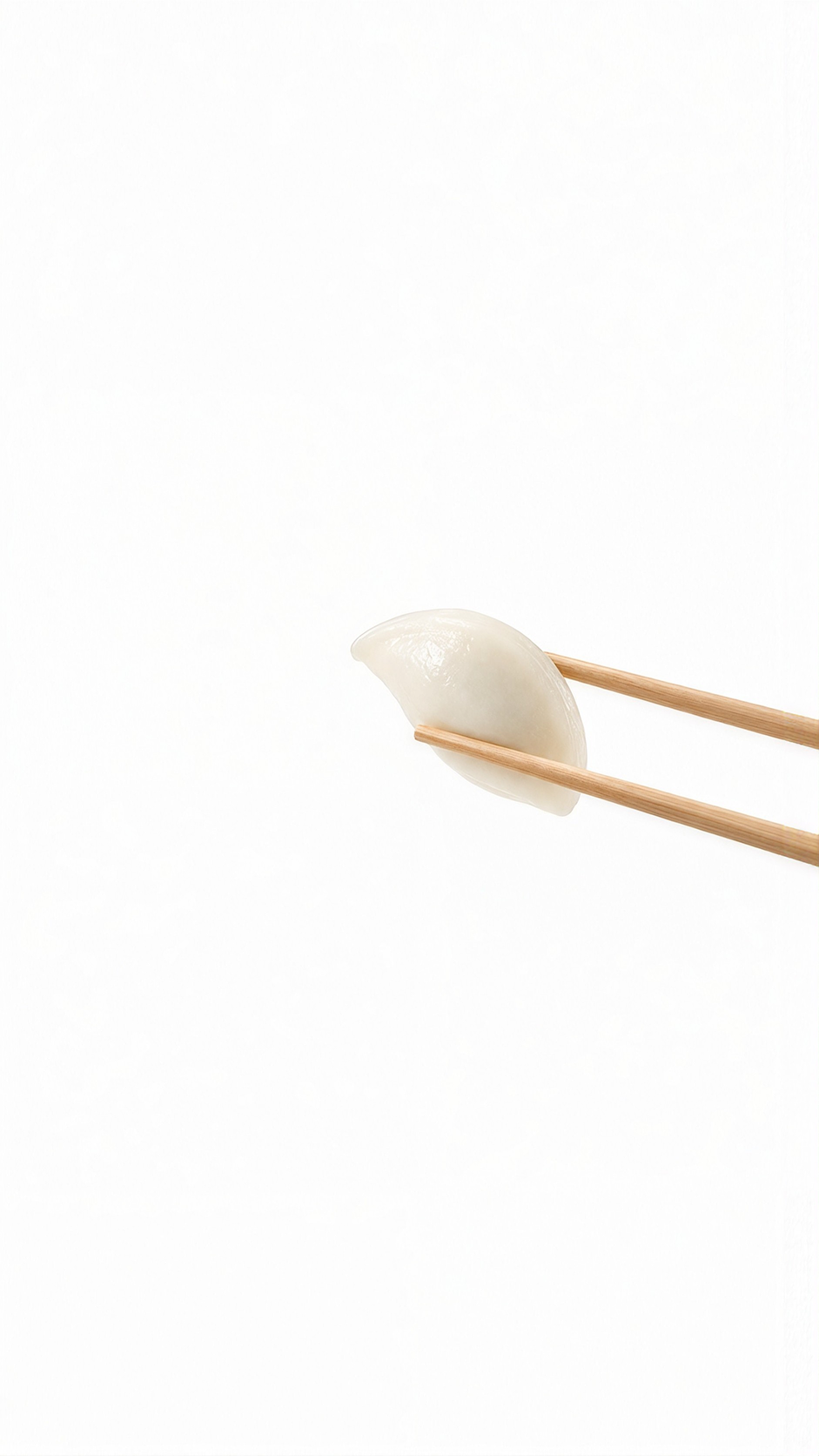
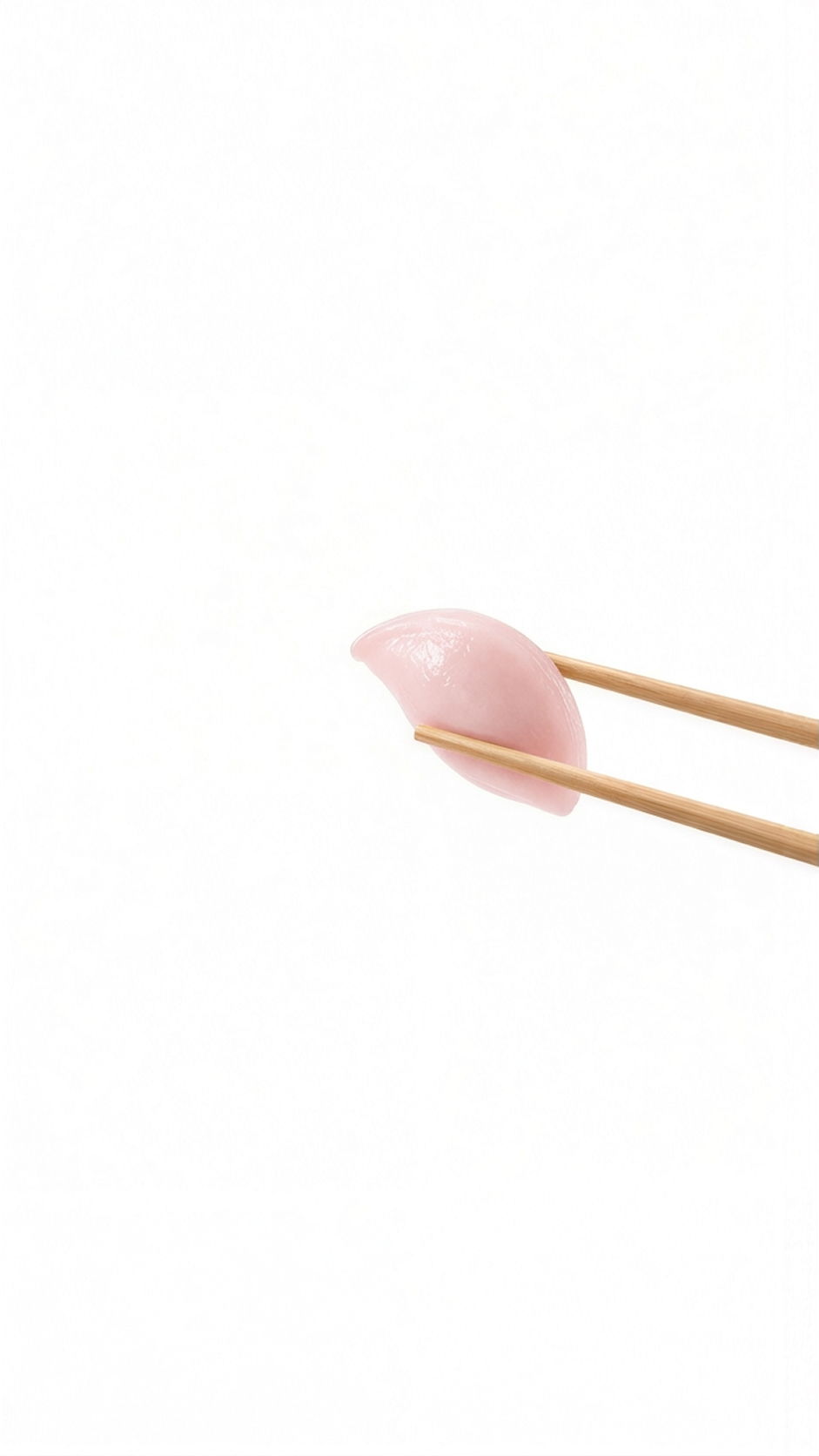
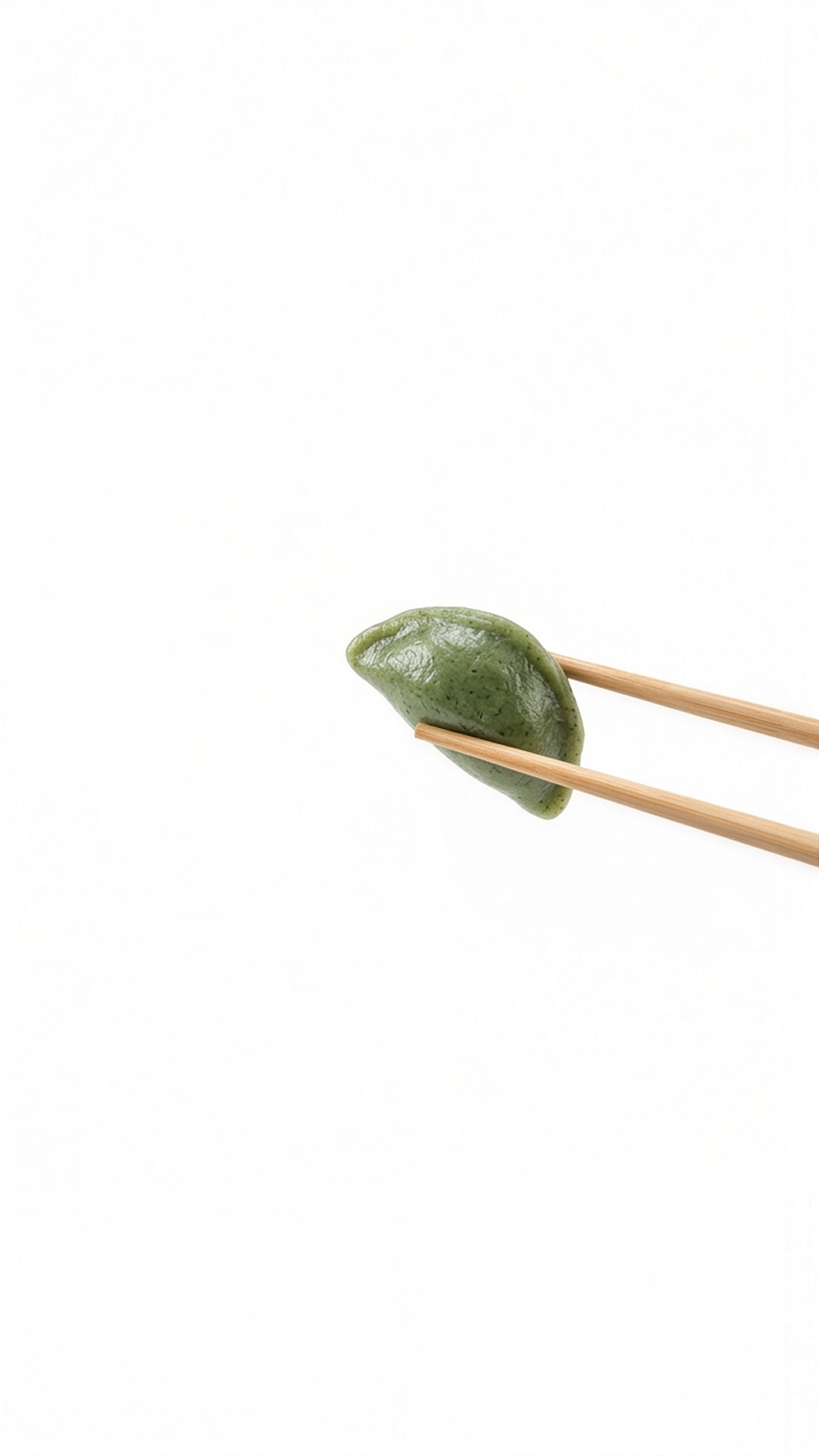
② 이렇게 쓰세요
- ChatGPT를 엽니다.
- 저장한 송편 사진을 먼저 올리고, 우리 강아지 사진을 그다음에 올립니다. 순서가 바뀌면 엉뚱한 결과가 나와요.
- 아래 프롬프트를 복사해 그대로 붙여넣고 보냅니다.
(강아지 사진은 얼굴이 또렷한 정면 사진이 가장 잘 나와요. 멀리서 찍힌 사진은 얼굴이 뭉개집니다.)
③ 프롬프트
Keep the exact same size and composition as the first image. Place only the face and ears of the dog from the second image in the center of the songpyeon. Make the dog's face small and have it look straight at the camera. Blend the edges of the face and ears softly into the surface of the songpyeon with a subtle gradient so there are no harsh cutout edges. Keep the rest of the first image unchanged.
 강아지한테 사주 보러가기